
Make AI Designs Print-Ready for T-Shirts
A practical file check for turning an AI shirt concept into a print-ready design. Catch bad edges, weak contrast, tiny type, and placement problems before you order.

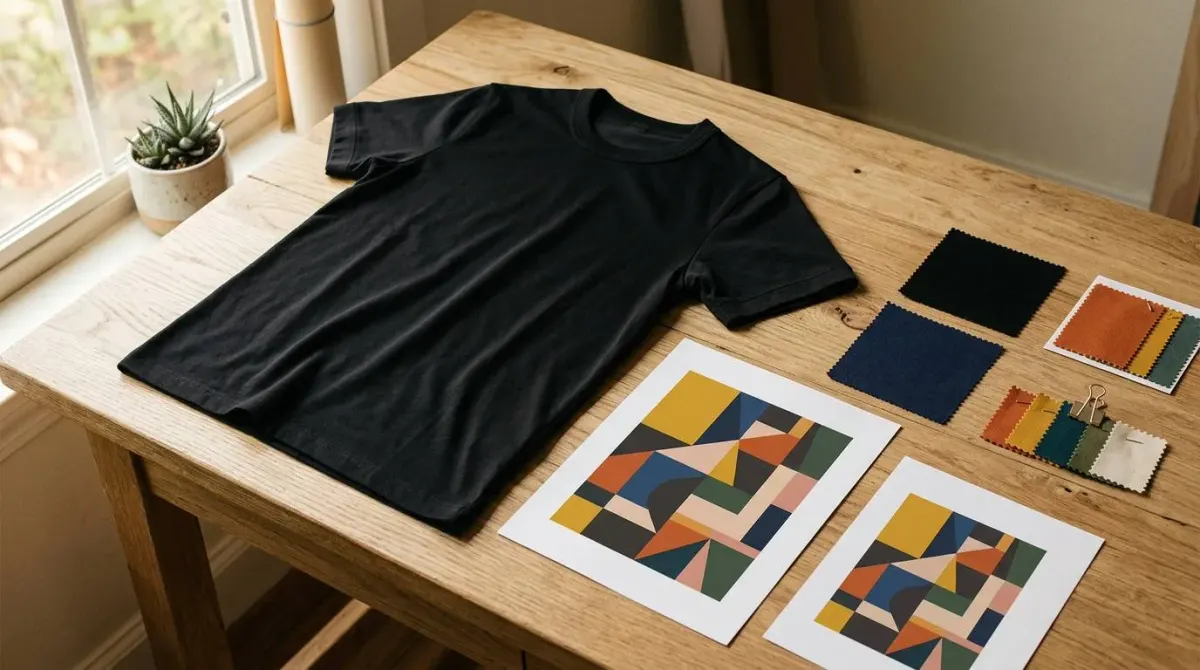
On this page
A good shirt idea can still fail at the printer. The usual culprits are a tiny source file, a fake transparent background, hairline details, or artwork built for a square social post instead of a chest print. Fix those before you order samples.
Short answer
To make an AI design print-ready, start with a clean high-resolution file, remove the background for real, keep thin lines and tiny type out of the danger zone, and check the design on the actual shirt color. Then order one sample. Toolbox AI can get you to a usable starting point, but the final file still needs a print check.
Print-ready means more than "looks good on screen"
A tee is a physical surface, not a phone display. A design that reads clearly at twelve inches wide can turn muddy when it is squeezed into a small chest print. A pale illustration may disappear on a light shirt. A black rectangle left behind a supposedly transparent design will show up the moment it lands on a colored garment.
| Check | What to look for | Why it matters on a tee |
|---|---|---|
| Pixel size | Enough pixels for the intended print width | Upscaling a small image can soften edges and detail. |
| Background | Real transparency or an intentional full-background shape | Loose background pixels can print as a visible box. |
| Contrast | Ink colors that separate from the shirt color | Low contrast can make a design vanish at normal viewing distance. |
| Small detail | Type and linework that remain clear when reduced | Fine marks are the first thing to blur or fill in. |
Start with the shirt, then build the image
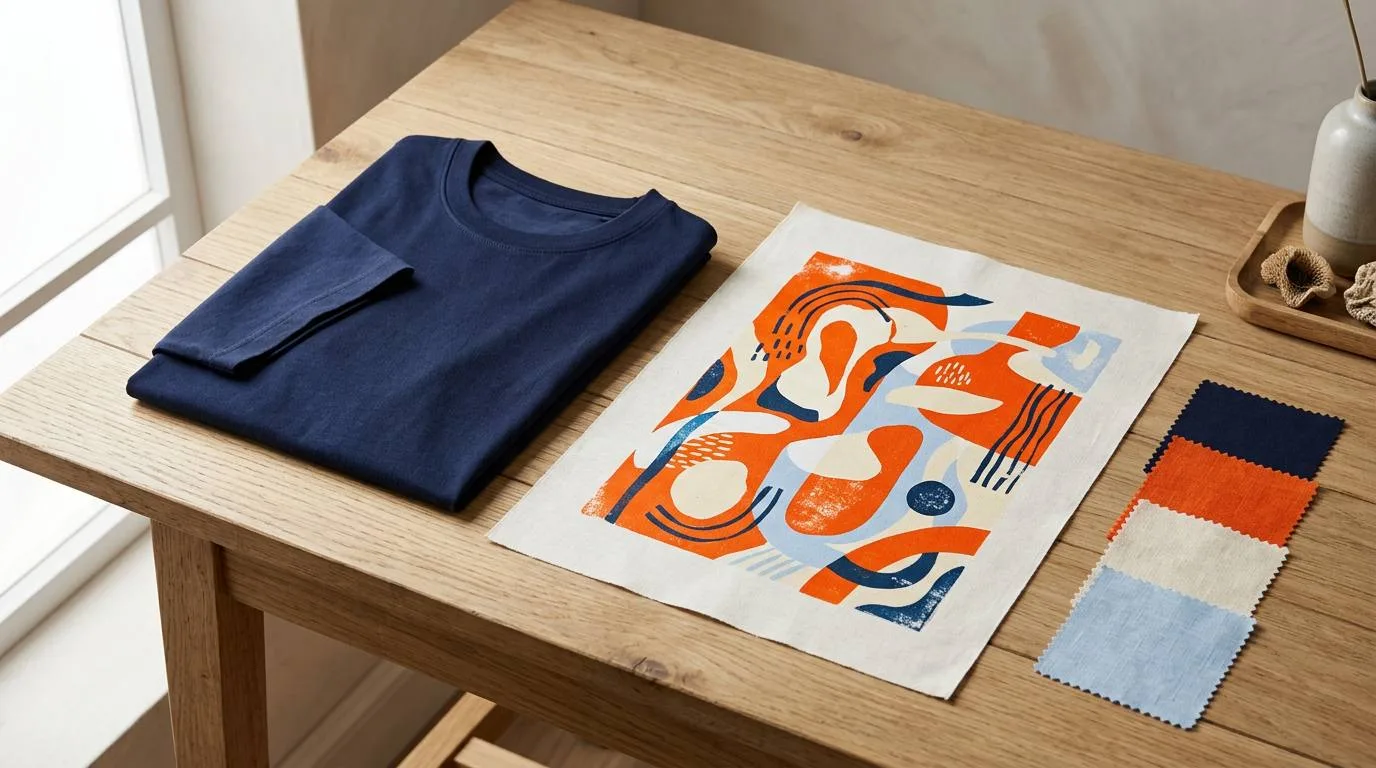
Toolbox POD prints DTF transfers on two short-sleeve crew-neck tees: the Gildan 64000 and Comfort Colors 1717. Both come in several colors, so do not treat the garment as an afterthought. A design made for white can need a different outline, lighter fill, or completely different palette for Black, Navy, or Pepper.
DTFdirect to film
DTF is the print method Toolbox POD uses for every shirt. Your design is transferred onto the garment, so clean edges, contrast, and an intentional transparent background matter before the transfer is made.
Start by choosing the garment and color you actually want to sell. The Gildan 64000 is the lower-priced classic tee, from $8.59 for one printed side in S through XL. Comfort Colors 1717 starts at $11.59 and has a relaxed, garment-dyed feel. Shipping is a flat $5.95 per order. Those prices were checked on the Toolbox POD pricing page on November 16, 2026.
Pick your blank and color before you spend time polishing a design that only works on white.
See the shirts →Use this four-step file check
Make the prompt specific about the print
Tell Toolbox AI the subject, visual style, shirt color, and placement. Ask for a clean isolated design when you need transparency. Keep wording short. If the design depends on a sentence, read each letter before moving on.
Open the full-size result
Do not judge a thumbnail. Look for broken outlines, mushy texture, stray marks, clipped edges, and letters that only look correct at a glance. Zoom in, then zoom out to the size a customer will see.
Check the background on a contrasting color
A transparent file can look fine against a checkerboard and still have pale fringe pixels around the artwork. Preview it against black and white. If the edge looks dirty, regenerate or clean it before ordering.
Run the upload check and order one
Toolbox POD checks uploaded artwork for size and sharpness. Treat that as a backstop, not permission to skip your own review. A single sample tells you more about scale, feel, and color than another hour of staring at a screen.
Where AI shirt files usually go wrong
Tiny type
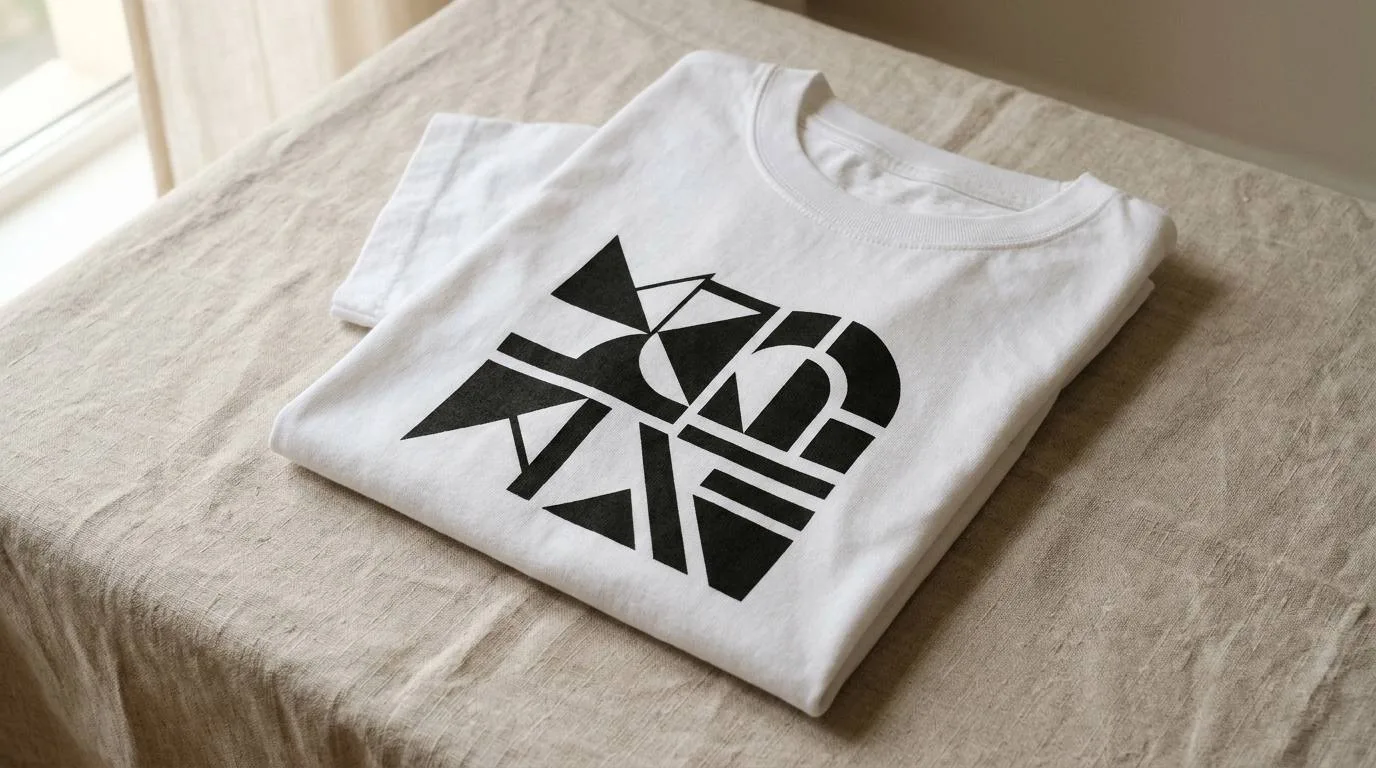
Small lettering may look crisp in a generator preview and become a soft line on cotton. Use fewer words, larger type, or a design that does not rely on reading at arm's length.
Accidental background
Watch for a faint rectangle, shadow, or halo around the art. If you want a full rectangular print, make that choice obvious. Otherwise, remove it.
Weak contrast
Gray-on-charcoal, navy-on-black, and pale yellow-on-ivory can look tasteful on screen but disappear on a shirt. Test the actual garment color.
Too much in one print
One strong subject beats a pile of tiny icons. Give the design room to breathe and make the main read obvious from a few feet away.
Do not skip rights checks
A file can be technically printable and still be a bad product if it copies a logo, a character, a team mark, or a recognizable artist's work. Make original art and use your own words.
Make one version for each real use
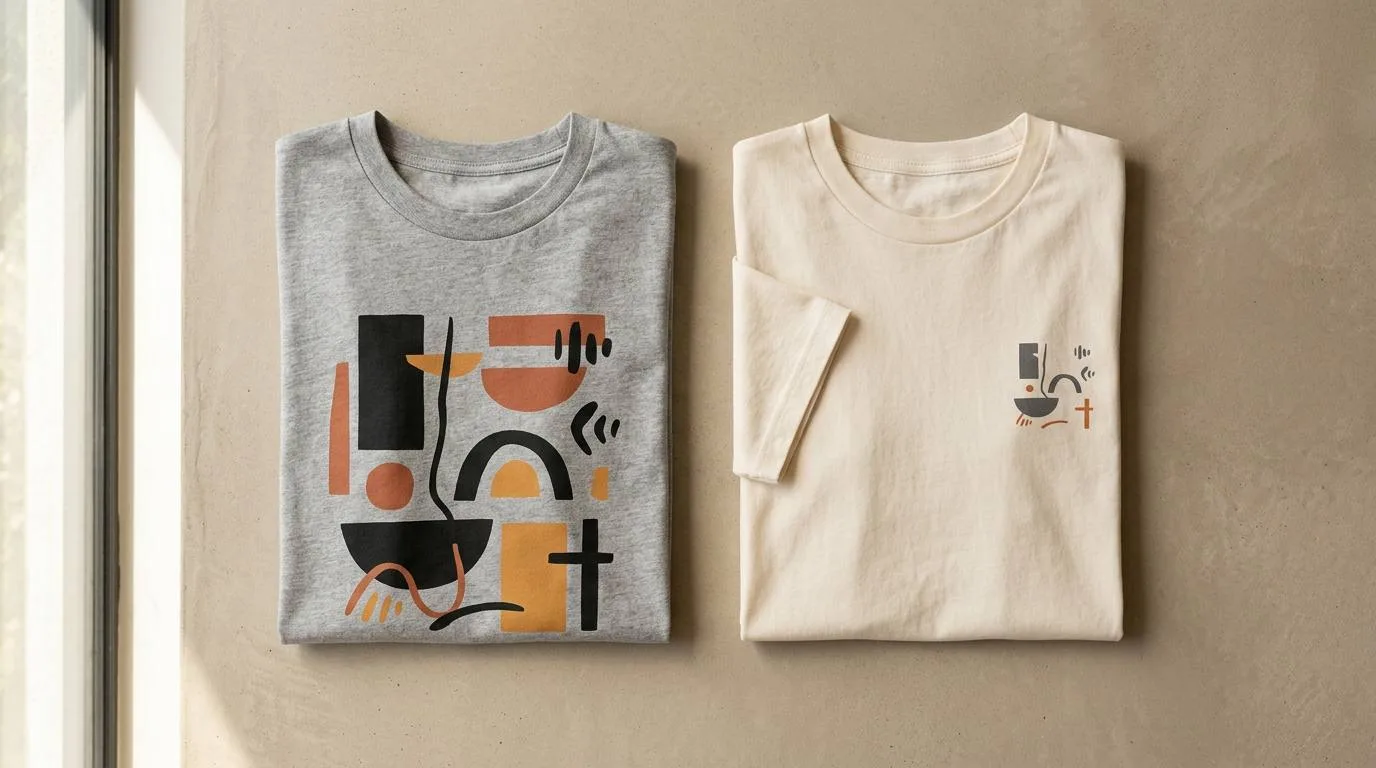
A large front graphic, a left-chest mark, and a back print are different jobs. Do not simply shrink the same dense artwork and hope it works everywhere. Make a simplified small version when the placement calls for it. For a first run, a centered front design is usually the easiest place to judge scale.
Do this
Choose one shirt color and one placement for your first sample, then adjust from something you can hold.
Not this
Build a separate complicated variation for every color before you know whether the main print reads well.
Questions people ask before printing AI designs
Can I print an AI-generated design on a shirt?
Yes, if you have the rights to use the artwork and the file passes a practical print check. Make sure it is sharp enough for the intended size, has a clean background treatment, and uses colors that work on the selected shirt.
What makes an image print-ready for a t-shirt?
A print-ready tee image has enough resolution for its print size, readable detail, a deliberate background, and contrast against the garment. It should also avoid copied logos, characters, and other protected artwork.
Should I use a transparent background for a shirt design?
Use transparency when the artwork is meant to sit directly on the fabric. Keep a full background only when it is clearly part of the design. In either case, inspect the edge against more than one solid color.
How much does it cost to print one custom tee?
At Toolbox POD, a one-sided Gildan 64000 in S through XL starts at $8.59 and a one-sided Comfort Colors 1717 starts at $11.59. Shipping is $5.95 per order. Check the live pricing page before you set a retail price.
Turn the draft into a shirt you can judge Choose a tee, upload your artwork, and order one sample before you build out the rest of the line. |
More in Guides
See all →
The print on demand business model, explained
A practical look at how print on demand works, what you still pay for, and how to judge a shirt idea before you scale it.
Toolbox POD is now in ApparelHub
Toolbox POD is now a fulfillment provider in ApparelHub. Build a product once, sell it on Shopify, WooCommerce, Wix or TikTok Shop, and we print and ship each US order from our shop in Utah. Here's how to connect, what it costs and what to know first.
How to sell shirts on Etsy: a practical start
A practical first-listing plan for Etsy shirt sellers. Choose a clear audience, price the real order, order a sample, and improve from what buyers ask.