
How to design a t-shirt with AI
A practical way to turn an original idea into a printable DTF t-shirt. Build a clear brief, review the artwork, and test one shirt first.
On this page
TL;DR
- Start with one clear audience, one mood, and one visual idea. A prompt that tries to cover every option usually produces a muddy shirt graphic.
- Use Toolbox AI to make an original starting point, then inspect the artwork at print size before you order.
- For a first run, choose a Gildan 64000 short-sleeve crew-neck tee. One printed side starts at $8.59 in sizes S through XL, plus $5.95 shipping per order.
A good t-shirt design does not begin with an image generator. It begins with a decision: who would wear this, and why would they choose it over the other shirts in their drawer? Once that answer is clear, AI can help you turn a rough idea into original artwork faster. The useful part is still the editing. You need to notice when a line is too thin, a word is misspelled, or the design looks great on a bright screen but disappears on a dark tee.
1
shirt minimum
$8.59
Gildan 64000, S to XL, one side
$5.95
flat shipping per order
Start with the shirt, not the software
What makes an AI t-shirt design printable?
Short answer
A printable AI t-shirt design has one clear main element, enough contrast for the shirt color, clean edges, and artwork large enough to stay sharp after printing. Keep the idea simple. A strong mascot, a short phrase, or one bold symbol usually travels to a tee better than a crowded scene.
Think of the shirt as a moving sign, not a poster. Someone should understand the basic idea from a few feet away. That does not mean every design needs huge type. It means the main shape has to read quickly and the small details need a job.
| Design choice | Usually works on a tee | Usually causes trouble |
|---|---|---|
| Subject | One main character, object, or emblem | Five unrelated objects competing for attention |
| Type | Short, readable wording with room around it | Paragraph-length copy or tiny script |
| Color | Ink colors that separate from the garment | Dark artwork on a dark tee without an outline |
| Edges | Clean silhouettes and intentional texture | Fuzzy borders, stray marks, or a background box |
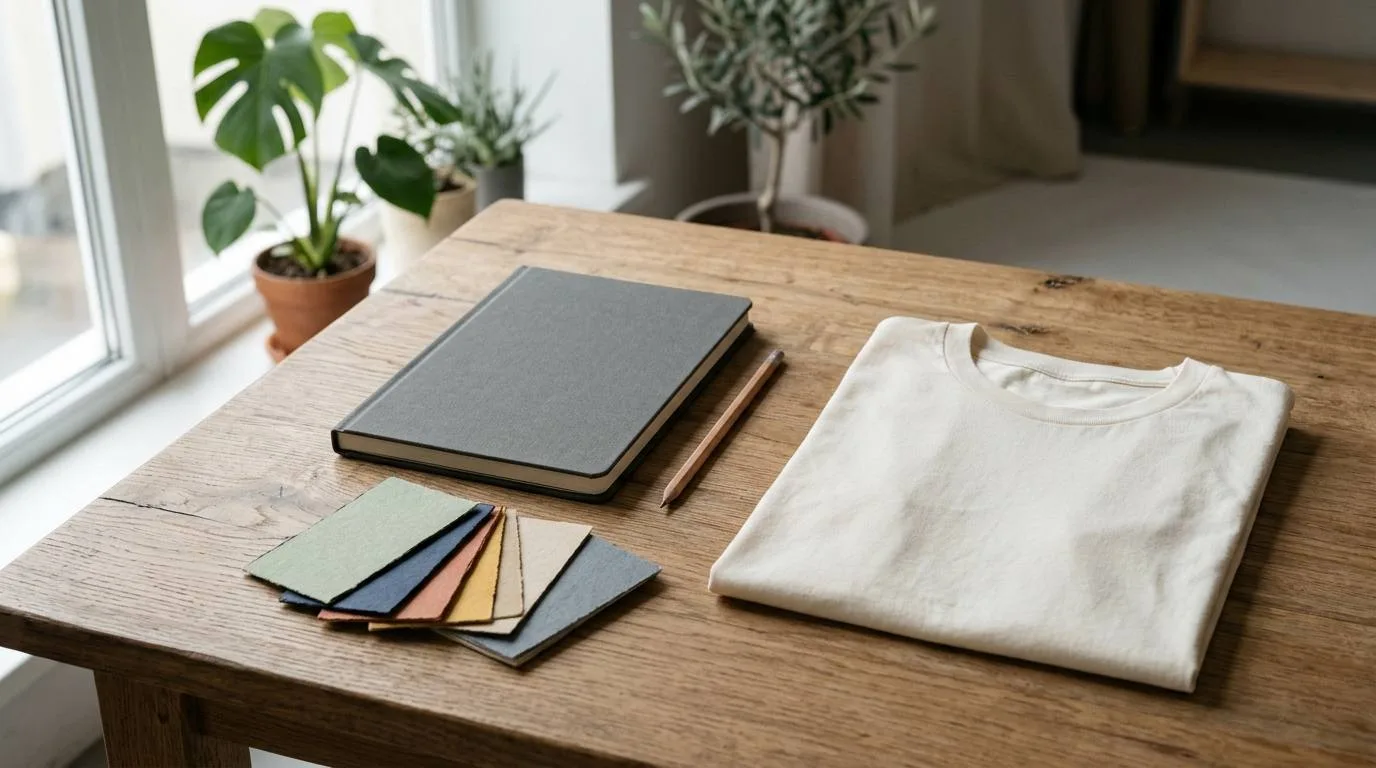
Pick the garment color while you are shaping the concept. It changes what contrast the artwork needs.
Build a brief before you write a prompt
You do not need a formal creative brief. Four lines are enough: the audience, the joke or feeling, the visual subject, and the shirt color. "Camping parents, dry humor, a sleepy raccoon holding a lantern, two ink colors, cream art on navy" gives you something to judge. "Make a funny camping shirt" does not.
Give it a point of view
Choose a specific wearer or occasion. A design for a neighborhood fun run has different energy from one for a fishing trip.
Name the visual hierarchy
Tell the tool what should be largest. If the phrase matters most, say that. If the illustration carries it, keep the type secondary.
Choose the tee first
Our Gildan 64000 is a classic short-sleeve crew-neck tee with 16 colors. Comfort Colors 1717 is garment dyed and starts at $11.59.
Leave room to edit
Ask for a clean, isolated design rather than a finished ad. You are making print artwork, not a social post.
A simple Toolbox AI prompt structure
Toolbox AI works best when the prompt describes a single graphic, not an entire product listing. Use plain language. Include the art style and color direction, then say what must be left out. If the design uses words, keep them short and inspect every letter before you print.
Prompt
Original screen-print-style illustration of a sleepy raccoon holding a small camping lantern, bold cream and warm yellow ink, rounded badge composition, simple pine silhouette, clean isolated artwork with no background, no brand marks, made for a navy short-sleeve crew-neck t-shirt.
Keep words short
Generated lettering can be unreliable. If a phrase comes back with one bad letter, fix it before you order. For a long message, build the type separately or use a text-free illustration.
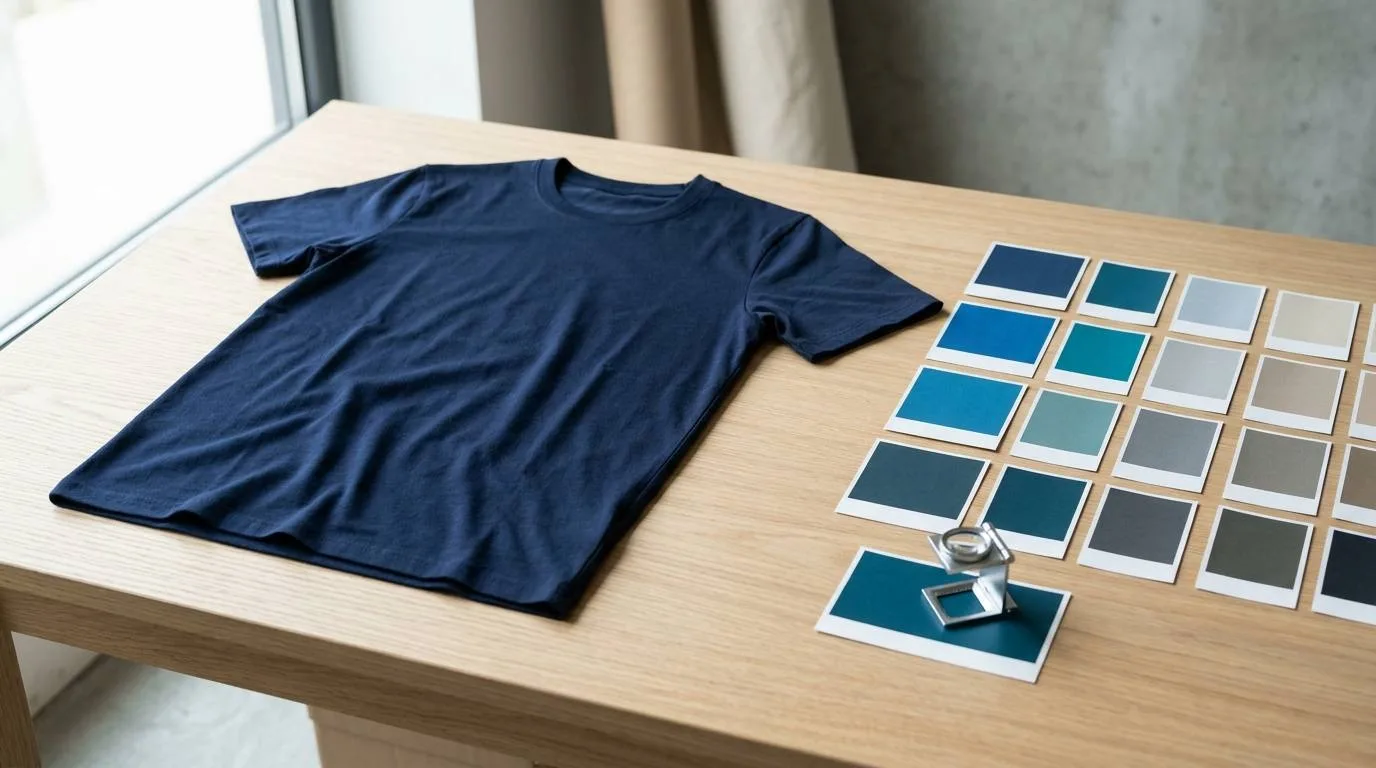
A quick close review catches weak contrast and tiny details that looked fine at laptop size.
Turn the first result into a shirt you would buy
Generate a few directions
Make several versions of the same core idea. Change one thing at a time: the mascot pose, the badge shape, or the color pair. You will spot the stronger composition faster when the concept stays consistent.
Check originality and spelling
Do not use a real logo, character, band mark, or someone else's recognizable artwork. Read every word letter by letter. If the design is meant for sale, it has to be yours.
Test it on the actual garment color
Dark ink on black cotton can vanish. Pale art on white can lose its outline. Pick a color from the two tee options and their 24 available colors, then choose ink that separates from it.
Run the print checks
Before ordering, make sure the artwork is large enough, the background is removed, and the edges look deliberate. Toolbox POD checks files for size and sharpness, but it cannot decide whether a tiny joke is readable from across a room.
Order one before you scale
One shirt is enough to see the real balance, hand feel, and placement. Start with a single Gildan 64000 or Comfort Colors 1717 tee, then use what you learn for the next run.
Do this
Give the design one idea, then sharpen that idea through contrast, scale, and editing.
Not this
Ask for a shirt that is funny, vintage, minimal, photorealistic, packed with details, and readable in one prompt.
What does it cost to test a design?
For a basic sample, use the number that matters: one shirt. Toolbox POD lists a Gildan 64000 with one printed side at $8.59 for S through XL. Shipping is $5.95 per order, whether you order one shirt or more. A Comfort Colors 1717 starts at $11.59. Adding a second printed side adds $5.00 per shirt. Those are live prices checked November 2, 2026, so use the pricing page before you quote a customer or set a retail price.
One Gildan 64000 test tee
Toolbox POD prices checked November 2, 2026.
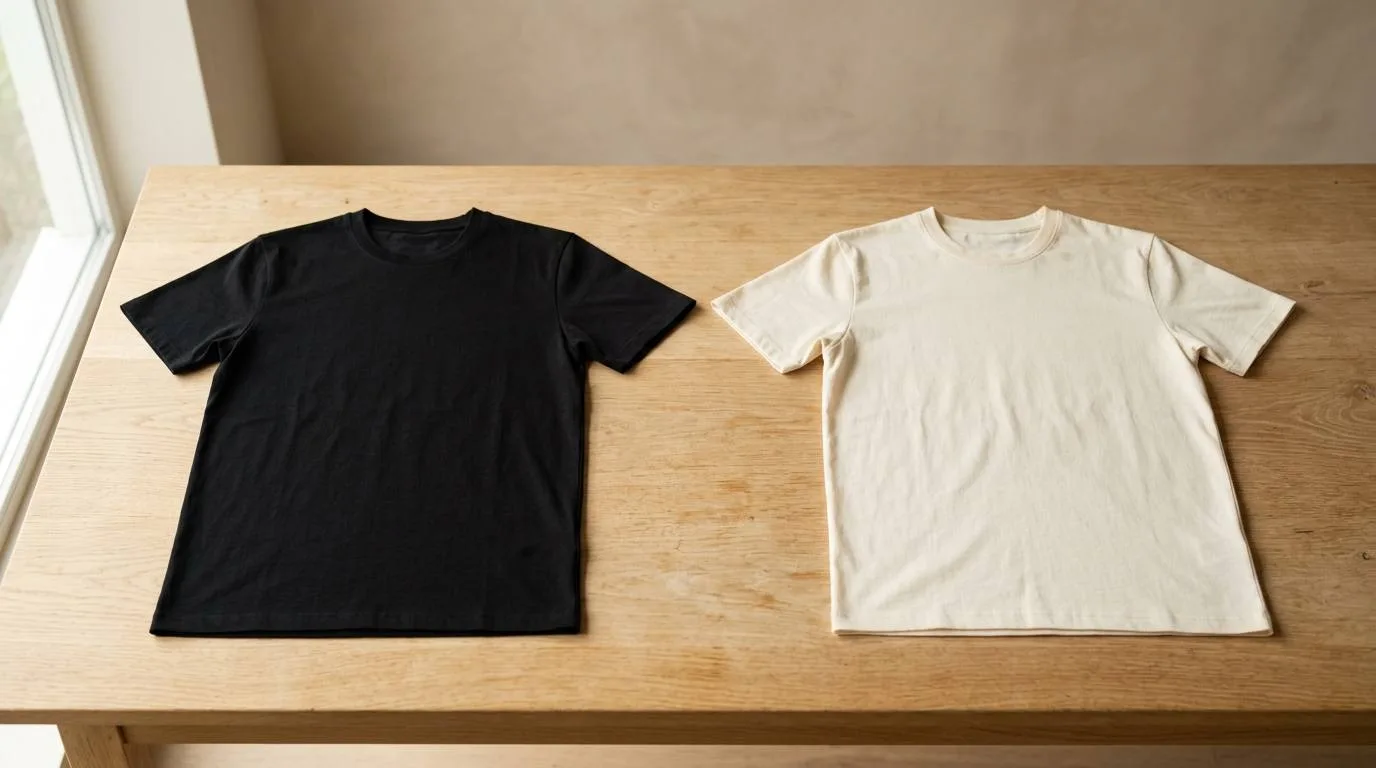
Order a single sample in the color the design was built for. It is the fastest way to learn what needs another pass.
Common questions about AI t-shirt designs
Can I sell an AI t-shirt design?
You can sell original artwork you have the right to use. Do not use someone else's logo, a protected character, a band mark, or a copied design. Check the output closely before you list it.
What file checks matter before printing a shirt?
Look for adequate size, a removed background, clean edges, readable wording, and enough contrast for the garment color. Toolbox POD checks for size and sharpness before printing, but visual choices still need your review.
Should I use Gildan 64000 or Comfort Colors 1717?
Pick Gildan 64000 when you want the lowest starting price and a classic fit. Pick Comfort Colors 1717 when you want a garment-dyed, relaxed-fit tee. Both are short-sleeve crew-neck tees printed DTF.
Do I need to order a large batch?
No. Toolbox POD has a one-shirt minimum. A single sample lets you check placement and color before you order more or add the design to a store.
The bottom line
AI is useful for getting from a blank page to a real design direction. The shirt gets better when you narrow the idea, review the art like a printer, and test one sample before you commit to a run.
Make the first version real Build an original design in Toolbox AI, choose a tee color, and order a one-shirt test before you scale it up. |