Best AI t-shirt design tools for print (2026)
A practical comparison of AI t-shirt design tools, with the print checks that matter before artwork becomes a real tee.

On this page
- What makes an AI t-shirt tool worth using?
- 1. Toolbox AI for getting from concept to order
- 2. Midjourney for art that needs a point of view
- 3. Leonardo for controlled experimentation
- A prompt is a brief, not a magic spell
- Before you print, use this five-minute check
- Questions people ask before choosing a tool
An AI t-shirt tool is useful only if it gets you from an idea to a file that belongs on a shirt. That means readable art at print size, a clean background, and a way to order or export without turning the last step into a scavenger hunt.
TL;DR
- Toolbox AI is the practical pick when you want to make a shirt and order it in the same place.
- Midjourney is strong for strange, atmospheric artwork, but it needs extra cleanup before a print run.
- Leonardo is worth a look when you want more generation controls and a free starting point.
- Whichever tool you pick, check spelling, edges, and shirt-scale detail before you send anything to print.
| Tool | Best for | Starting price, checked Nov. 9, 2026 | What still needs your eye |
|---|---|---|---|
| Toolbox AI | Designing and ordering a DTF tee in one workflow | 20 images free monthly. Plus is $20/month and Pro is $50/month. | Spelling, small details, and the final placement |
| Midjourney | Distinctive visual directions and art-first concepts | $10/month for Basic | Background cleanup, type, and print-size detail |
| Leonardo | Trying several styles without paying first | Free tier. Essential is $12/month. | Export choice, text, and transparent-background cleanup |
What makes an AI t-shirt tool worth using?
Short answer
Pick a tool that lets you direct the artwork, inspect variations, and finish with a file that is large, clean, and simple enough to print. A great prompt cannot rescue a tiny subject, a muddy edge, or a sentence the generator misspelled.
Search results for AI t-shirt generators are full of instant-preview promises. That part is easy. The hard part is choosing an image that survives the trip from screen to shirt. Fine hairlines disappear. Fake lettering becomes obvious. A busy scene that looks good on a monitor can turn into a dark blob from six feet away.
Start with the shirt
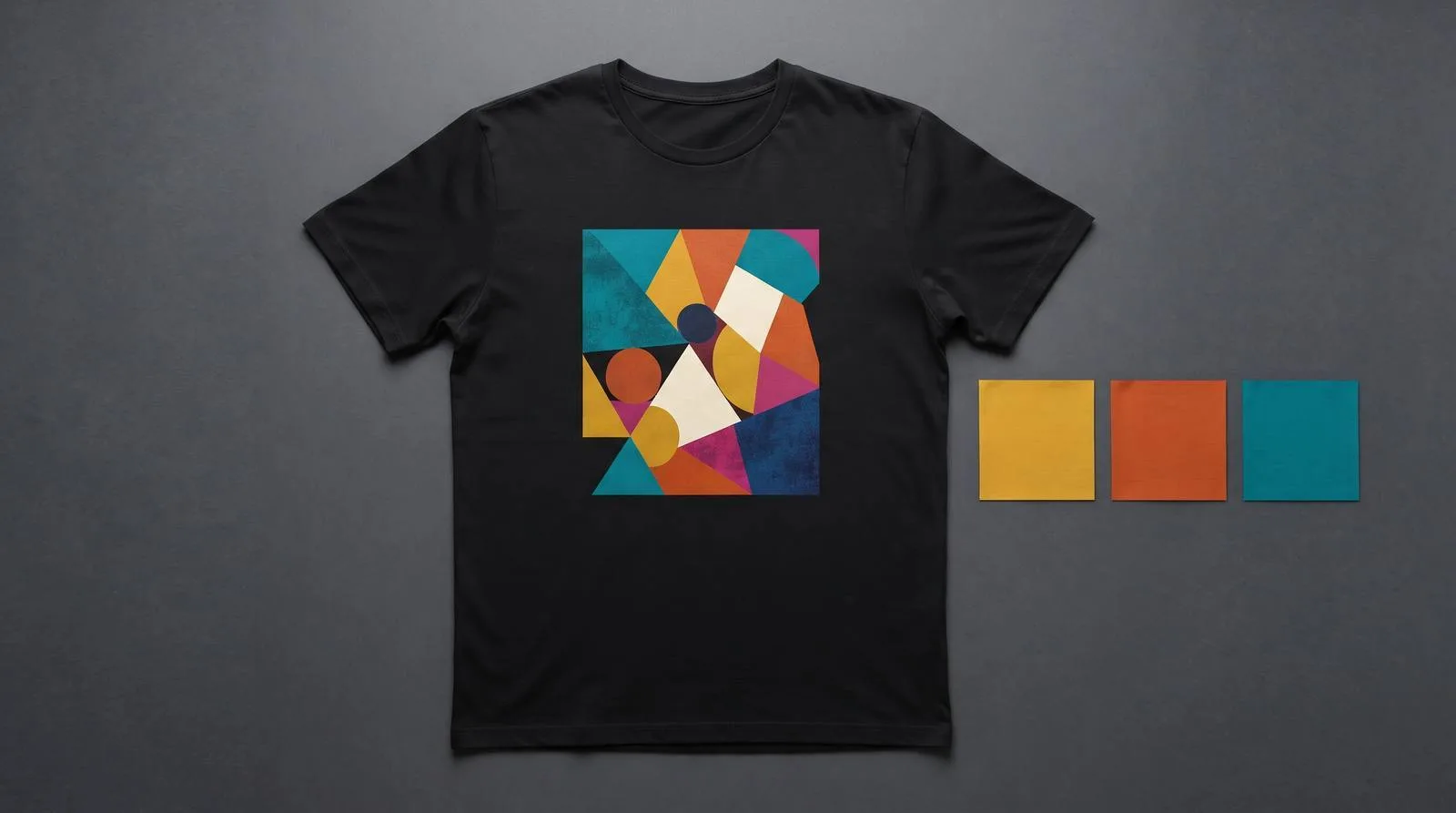
Decide whether the print is for a dark or light tee before you prompt. Contrast changes the whole design.
Make one idea per image
A simple subject with a clear silhouette normally prints better than a crowded collage.
Treat type as a separate job
Use your own layout or a careful final pass when exact words matter.
Check the boring stuff
Look at edges, empty background space, and the file size before you place an order.
1. Toolbox AI for getting from concept to order
Toolbox AI
Best for: sellers and groups that want design, tee choice, and ordering in one place.
Toolbox AI makes the most sense when the finish line is a shirt, not a folder of images. You can turn a plain-language concept into artwork, choose a tee, and move toward an order without bouncing between a generator, a mockup site, and a printer. Toolbox POD prints every tee with DTF, so detailed color art can be part of the plan from the start.
Pros
- One workflow for design and DTF shirt ordering
- 20 image generations each month without a card
- No shirt minimum or monthly shirt subscription
Cons
- You still need to inspect artwork before it prints
- It is built around tees, not every type of merchandise
Use it when you want to spend less time moving files and more time getting the shirt right.
Start a shirt →One Gildan 64000 tee, one printed side
Toolbox POD pricing checked Nov. 9, 2026. Add $5.00 for a second printed side.
2. Midjourney for art that needs a point of view
Midjourney
Best for: building a visual direction before you settle on a shirt graphic.
Midjourney is a good fit when the concept needs mood, texture, or an unusual illustration style. It can give a small brand several real directions quickly. The catch is that an attractive image is not automatically a print file. Keep lettering out of the first pass, ask for a simple background, then inspect the chosen image at the size you expect on the shirt.
Pros
- Useful for art-led concepts and visual exploration
- Basic plan is $10/month, checked Nov. 9, 2026
Cons
- Generated type needs close inspection
- Most shirt concepts need a cleanup step before printing
Use it to find an art direction, then bring the chosen image into a print-ready workflow.
3. Leonardo for controlled experimentation
Leonardo
Best for: trying visual styles and learning what your product line wants to look like.
Leonardo has a free tier with daily tokens, which is useful when you are still learning what prompt structure and art direction work for your niche. Its Essential plan is listed at $12/month, checked Nov. 9, 2026. Make a few deliberate variations rather than generating fifty almost-identical images. You will spot a usable direction sooner, and your collection will not look like it came from a slot machine.
Pros
- Free entry point for experiments
- More control options than a one-button generator
Cons
- More options also mean more chances to overwork a concept
- Print readiness still needs a human check
Use it when you want room to experiment before committing to one visual system.
A prompt is a brief, not a magic spell
Prompt
Original screen-print style illustration of a desert night with a single moonlit coyote silhouette, three ink colors, thick clean edges, centered vertical shirt graphic, transparent background, no words, no logos, no border.
This kind of prompt gives the tool choices it can actually follow: subject, palette limit, composition, and what to leave out. It also avoids a common trap. If the shirt needs an exact slogan, generate the art without words and set the type yourself. That is faster than trying to rescue one almost-correct letter after another.
Keep the first version simple
Ask for one subject and a limited palette. You can add complexity later. Starting crowded usually creates cleanup work, not a better shirt.
Before you print, use this five-minute check
Read every letter
Zoom in. If there is text, compare every word with the phrase you intended. One wrong letter is enough to sink a shirt.
Check the edges
Look for background boxes, loose halos, and pale fringes around the art. A clean edge matters more than a clever prompt.
Think in shirt scale
Small faces, thin lines, and tiny inside jokes disappear quickly. Keep the main idea bold enough to read at a glance.
Match the garment
Gildan 64000 is the classic option from $8.59 for S to XL. Comfort Colors 1717 starts at $11.59. Both are short-sleeve crew-neck tees, and both can carry a front, back, or two-sided print.
Questions people ask before choosing a tool
Can I use AI art on a t-shirt?
Yes, if you have the right to use the image and the final file is suitable for printing. Keep the work original, avoid brand marks and copyrighted characters, and inspect the design before ordering.
What is the easiest AI t-shirt design tool for beginners?
Start with the tool that keeps the fewest steps between your idea and a printable shirt. Toolbox AI is built for that path. The important beginner habit is reviewing the final art, especially words and edges.
Can AI generate shirt designs with text?
It can try, but exact lettering is still where image generators make visible mistakes. Generate the illustration first, then add exact type in a layout tool or use a text-free design.
The bottom line
Choose Toolbox AI when your priority is turning an idea into a DTF tee without a messy handoff. Choose Midjourney or Leonardo when you need more room to explore visual styles first. In every case, the final review is where a good concept becomes a shirt someone will wear.
- Best for orderingToolbox AIDesign it, choose a tee, and move straight toward checkout.
Turn your best idea into a real tee Make the art, choose Gildan 64000 or Comfort Colors 1717, and order one shirt or a hundred. Every tee is printed DTF in Utah. |
Pricing sources checked Nov. 9, 2026
- Toolbox POD pricing for shirt pricing, shipping, and Toolbox AI plans.
- Midjourney pricing for its Basic plan.
- Leonardo pricing for its free and Essential tiers.